
Native 3D rendering in spine-godot
September 11th, 2026
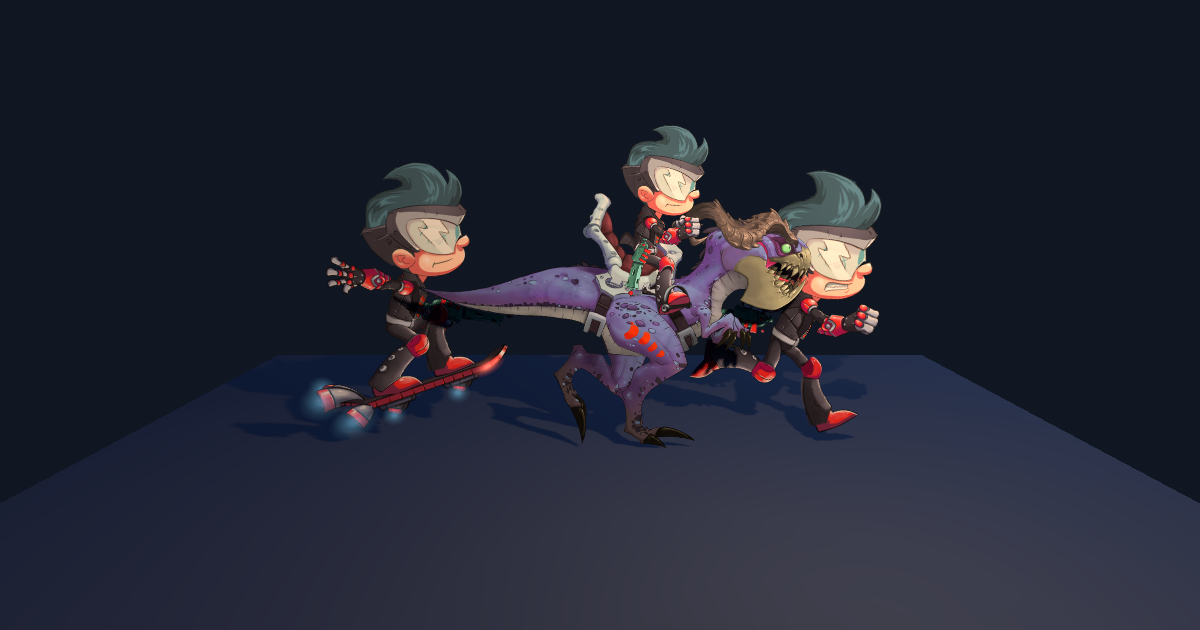
We're happy to announce native 3D support in spine-godot!
The new SpineSprite3D node renders Spine skeletons directly in Godot's 3D world. It is available in both the Godot 4 C++ module and GDExtension.
Until now, using a Spine skeleton in a 3D scene required rendering a SpineSprite to a SubViewport and displaying the resulting texture on a quad. That works for simple cases, but every skeleton needs its own viewport and Spine attachments are flattened into one texture.
SpineSprite3D instead sends the skeleton's geometry directly to Godot's 3D renderer. It supports region and mesh attachments, weighted and deformed meshes, clipping, skins, tint black, and normal and additive blending. It uses the same skeleton data, animation state, skins, signals, and update modes as SpineSprite.
Using SpineSprite3D
SpineSprite3D places the skeleton on the node's local XY plane. The pixel_size property converts Spine units to Godot units, and the regular Node3D transform is used to position, rotate, and scale the skeleton in your scene.
func _ready():
get_animation_state().set_animation("walk", true, 0)
Compatible attachments are batched without changing the Spine draw order. Meshes and materials are reused, and get_render_statistics() provides counters for inspecting batching and buffer updates.
Lighting, normal maps, and shadows
Generated materials are unlit by default, so skeletons initially look like they do in Spine. Lighting and shadows can be enabled when they are needed.
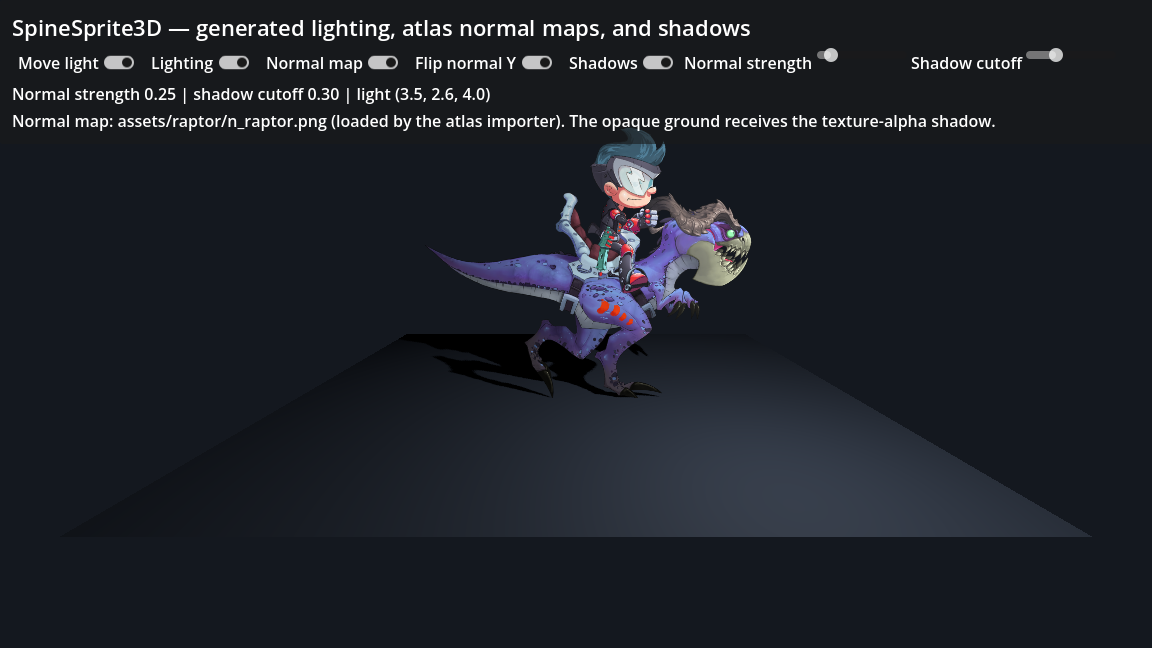
With lighting enabled, a skeleton reacts to Godot's directional, omni, and spot lights. The runtime uses a flat normal when an atlas page has no normal map. To use a normal map, place it next to the atlas texture and use the normal map prefix on SpineAtlasResource. For example, the default n prefix pairs raptor.png with n_raptor.png.
Normal strength and Y direction can be adjusted for each asset. The generated materials also provide specular, roughness, and metallic controls.
Shadows support On, Double-Sided, and Shadows Only modes. The shadow silhouette uses the atlas texture and Spine tint alpha, rather than casting a shadow from a solid rectangle.
Custom spatial shaders are still fully under your control. spine-godot supplies the atlas textures, tint colors, normals, tangents, and material parameters, but doesn't rewrite your shader.
Depth and transparency
Spine attachments need a small amount of depth separation in a 3D scene. A fixed stack looks correct from the front, but appears reversed when viewed from behind. SpineSprite3D can flip the attachment spacing for each camera so the Spine draw order looks correct from either side.
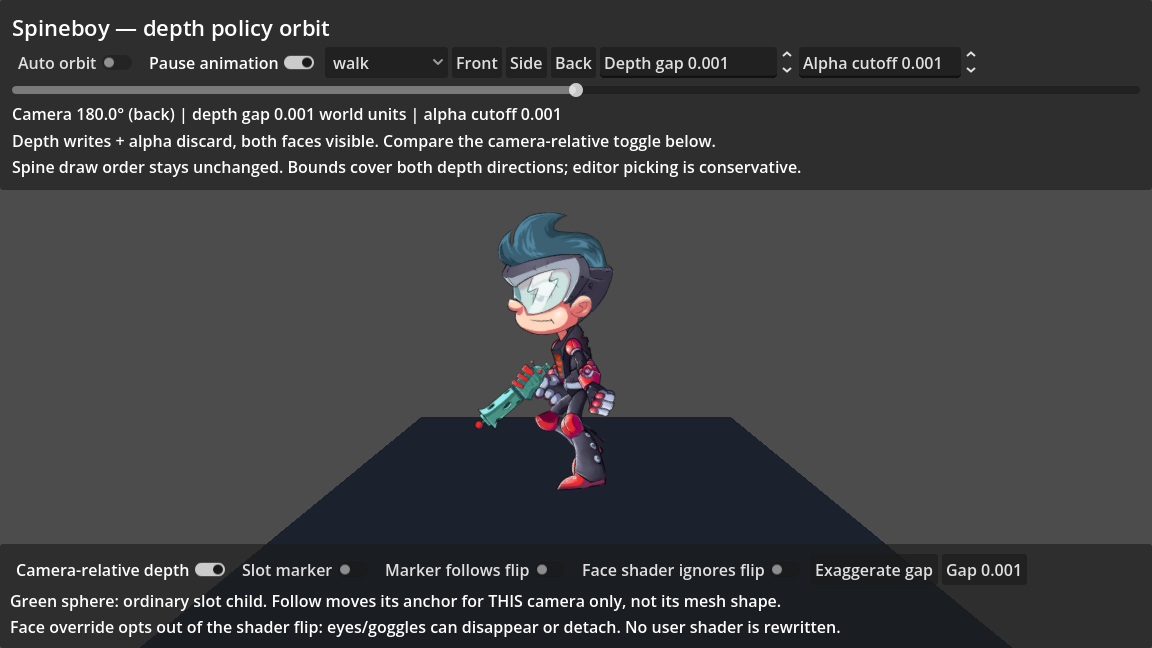
Generated materials also write scene depth, allowing normal 3D geometry to pass in front of and behind the skeleton. The depth spacing and alpha cutoff can be adjusted or disabled to suit the scale and transparency needs of a project.
Attaching Godot nodes to slots
SpineSlotNode3D follows a Spine slot and can insert Godot 3D geometry into the skeleton's draw order. It can be used for meshes, particles, labels, and other Godot nodes that should follow an animated bone.
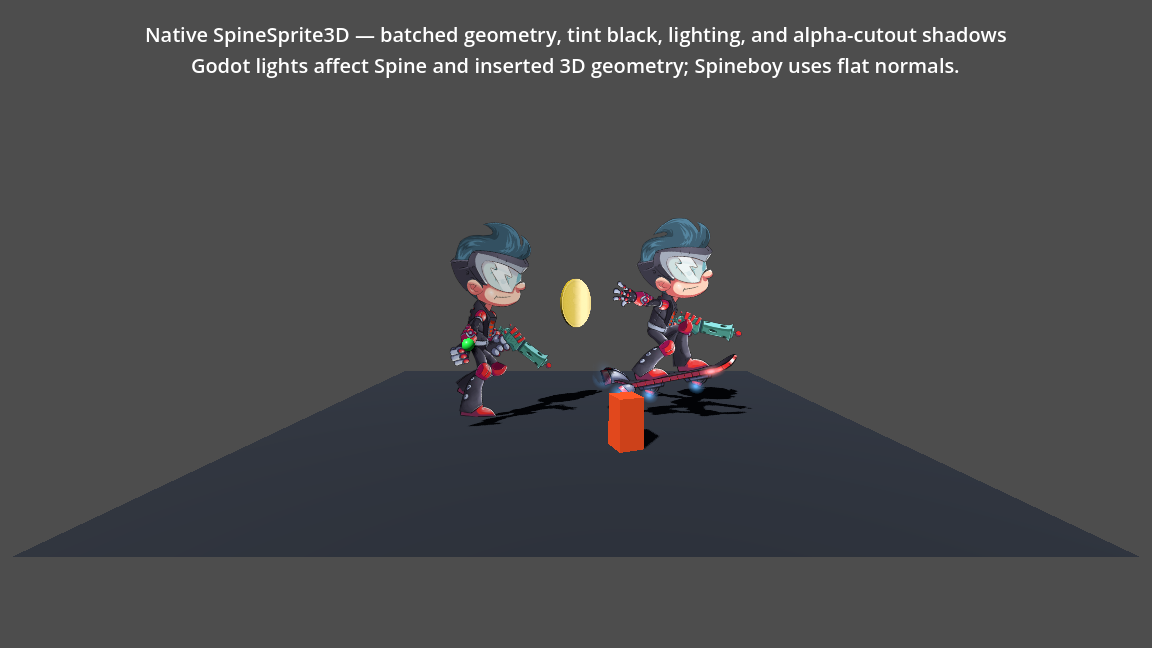
A SpineSlotNode3D can also override the normal or additive material for one slot. Optional camera-relative placement is available for visual attachments that should match the skeleton from one camera.
AnimationPlayer and tint black
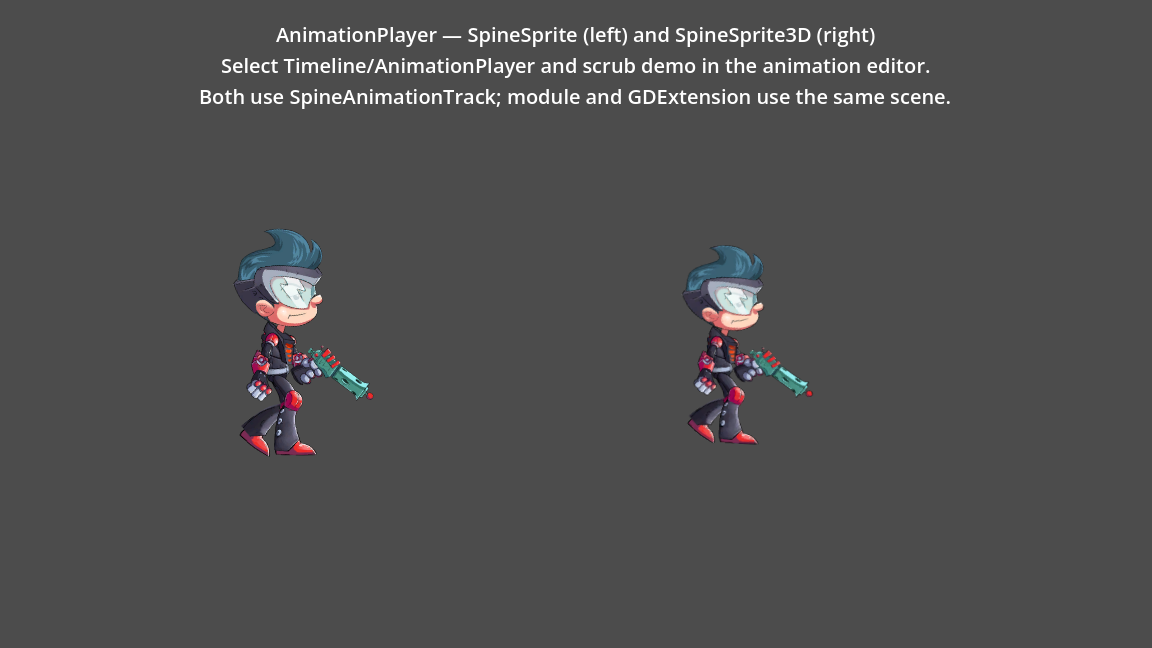
SpineAnimationTrack now works with SpineSprite and SpineSprite3D in both Godot 4 integrations. This adds AnimationPlayer playback and editor scrubbing to the GDExtension, and a single AnimationPlayer can control 2D and 3D skeletons together.
Godot 4 also now supports Spine's tint black feature in both integrations, including the C++ module builds with C# support.
Examples
The Godot 4 C++ module and GDExtension projects include several new examples:
15-spine-sprite-3d: native 3D rendering, lighting, shadows, tint black, and a Godot mesh attached to a slot16-animation-player-2d-3d: one AnimationPlayer controlling 2D and 3D Spineboys17-interactive-benchmark: configurable 2D and 3D skeleton counts with timing and renderer statistics18-depth-offset-orbit: front, side, and back views of depth spacing, custom materials, and slot children19-3d-lighting: lighting, the Raptor normal map, material controls, and alpha-tested shadows
SpineSprite3D is new and we are happy to improve it based on your feedback. See the updated spine-godot documentation for setup instructions, custom shaders, and current limitations. The examples and source are available in the spine-runtimes repository.
If you need help, please post on the Spine forum. If you find a bug or would like to contribute, open an issue or pull request on the spine-runtimes GitHub repository.